Quick answer
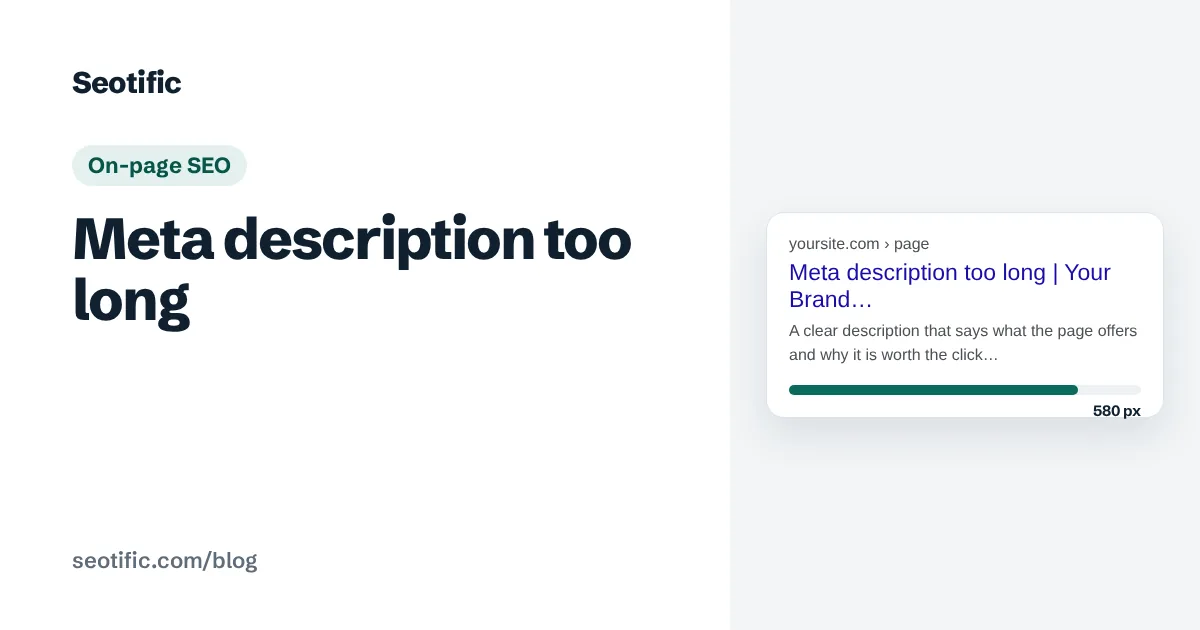
A meta description that is too long gets cut off with an ellipsis in search results, usually somewhere past 150 to 160 characters, because Google truncates by pixel width. It doesn't affect rankings. Fix it only on high-impression pages where the cut-off hides the key benefit, and keep the important words in the first 120 characters.
"Meta description too long" is one of the most frequent warnings in any SEO audit, and one of the least important. It's worth understanding exactly what happens, so you can tell the handful of pages where it matters from the hundreds where it doesn't.
What happens when a meta description is too long
Three things, none of them a ranking penalty:
- Google truncates it. Snippets are cut to fit the available width, measured in pixels rather than characters. On desktop that is roughly 920 pixels, about 155 to 160 characters of average text. Mobile snippets can show a little more or less depending on the device and query. The cut is marked with an ellipsis.
- Google may not use it at all. Google often writes its own snippet from the page content when it thinks that matches the query better. Long, keyword-stuffed descriptions are more likely to be replaced.
- Nothing happens to rankings. Google has said for years that the meta description isn't a ranking factor. Its only effect is on whether people click.
So the real question isn't "is it too long?" but "does the part that shows persuade a searcher to click?"
The length to aim for
Write descriptions of about 120 to 160 characters, and put the important part in the first 120. That way the key message survives truncation on any device, and the full description shows on most desktop results.
Don't pad short descriptions to hit a number either. A clear 110-character description beats a 158-character one stretched with filler.
Meta description too long: when to fix it and when to ignore it
| Page | Fix the length? | Why |
|---|---|---|
| High-impression page with low click-through | Yes | A better snippet can lift clicks measurably |
| Commercial page where the offer is at the end | Yes | The truncated part held the reason to click |
| Templated pages sharing one long description | Yes, but for duplication | Unique descriptions matter more than length |
| Low-traffic blog posts | No | Little to gain; fix higher-impact issues first |
| Pages Google always rewrites the snippet for | No | Your description isn't shown anyway |
To find the pages worth fixing, open Search Console's Performance report, filter to pages, and sort by impressions. Pages with thousands of impressions and a click-through rate below your site's average are where a rewritten description earns its time.
How to write one that survives truncation
- Open with the benefit or answer, and name the topic in words the searcher used.
- Keep the key phrase and the reason to click within the first 120 characters.
- Make every description unique; never reuse one across pages.
- End with something specific (a price, a number, a "free" if true) rather than a keyword list.
- Check it in a snippet preview tool before publishing.
Before: "Welcome to our site where we offer a wide range of high quality waxed cotton jackets for men and women, available in many colours and sizes, with fast delivery." (160 characters, benefit buried.)
After: "Waxed cotton jackets for men and women, rewaxed by hand in Yorkshire. Free UK delivery and repairs for life. From £189." (118 characters, benefit first.)
How Seotific treats this warning
Seotific marks meta description length as a click-through-only finding, worth 1.5 points rather than the 5 or 10 a ranking issue costs, so it never crowds out the problems that move positions. When you do want to fix them, its meta tag generator writes replacement titles and descriptions and shows the length of each. For the full ranking of common audit errors, see which SEO errors matter most, part of the guide on how to prioritize SEO issues. The title side of the same problem is covered in title tag length in pixels.
Frequently asked questions
Is a long meta description bad for SEO?
Not for rankings. Google doesn't use the meta description as a ranking factor. A long description is truncated in results, which can hurt click-through if the important part is cut off, so it matters on high-traffic pages and very little elsewhere.
What is the maximum meta description length?
There's no hard maximum; Google truncates by pixel width. On desktop the cut usually falls around 155 to 160 characters. Aim for 120 to 160 and keep the key message in the first 120 characters so it survives on mobile.
Why does Google ignore my meta description?
Google writes its own snippet when it thinks text from the page answers the specific query better. It happens more with vague, long or keyword-stuffed descriptions, and varies by query. A clear, specific description is more likely to be used.
Should I fix every meta description too long warning?
No. Fix the pages with high impressions and low click-through, and templated pages sharing one description. On low-traffic pages, the time is better spent on issues that affect indexing or relevance.
Check your own page
Seotific audits a URL against the keyword it should rank for and lists the fixes in order of impact. Free plan, no card.
Run a free audit